Note:
This topic has been translated from a Chinese forum by GPT and might contain errors.
Original topic: 关于启动tidb的问题
According to the official documentation, when deploying a cluster on a local single machine, the startup failed. Checking the logs, I found that the error was due to disk space.
It looks like there is a parameter tidb_ddl_disk_quota that can be set. Can this be directly added to the configuration file?
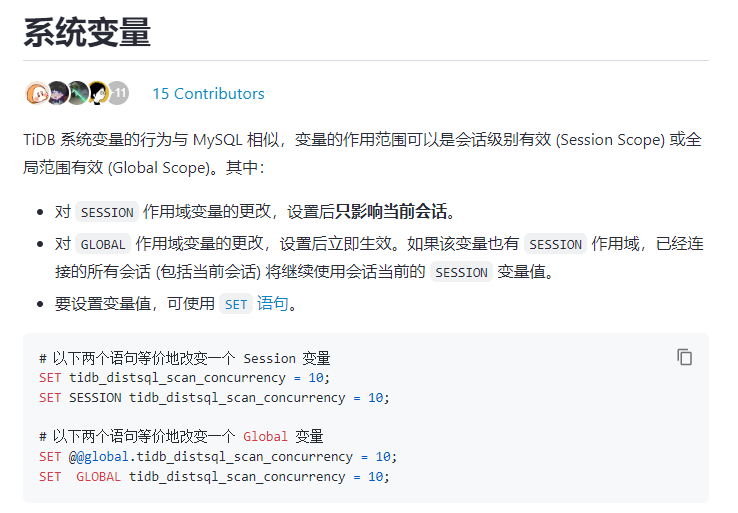
This is a system variable introduced starting from version v6.3.0. It does not need to be added to the configuration file; you need to execute an SQL statement to set it.
The /tmp directory is too small, set global tidb_ddl_disk_quota to a value smaller than the tmp space…
This is just a warning message and should not be the reason why tidb-server cannot start. Please upload the complete log for review.
The issue has been resolved. After expanding the space, it can start normally.
/tmp is too small. Besides, /tmp is usually installed under /, so it shouldn’t be insufficient.
There are too many things on the virtual machine, so there may be a problem of insufficient space.
It’s unreasonable, dear. I also don’t have enough local space, but it doesn’t affect the startup.
Once there is enough space, it will be able to start up.
It should be different partitions. The tmp partition needs enough space to start. It’s not referring to the overall space of the virtual machine, that’s what I think.
Haha, I’m looking at the space in the root partition where /tmp is located.
This topic was automatically closed 60 days after the last reply. New replies are no longer allowed.
 |
username: liul
|
username: liul

 |
username:
|
username: 
 |
username:
|
username:  |
username:
|
username:  |
username:
|
username:  |
username:
|
username: