Note:
This topic has been translated from a Chinese forum by GPT and might contain errors.Original topic: 启动集群时TiDB instance启动失败
 |
username: TiDBer_NUP2nMAg
|
username: TiDBer_NUP2nMAg
Note:
This topic has been translated from a Chinese forum by GPT and might contain errors.Original topic: 启动集群时TiDB instance启动失败
|
username: TiDBer_NUP2nMAg
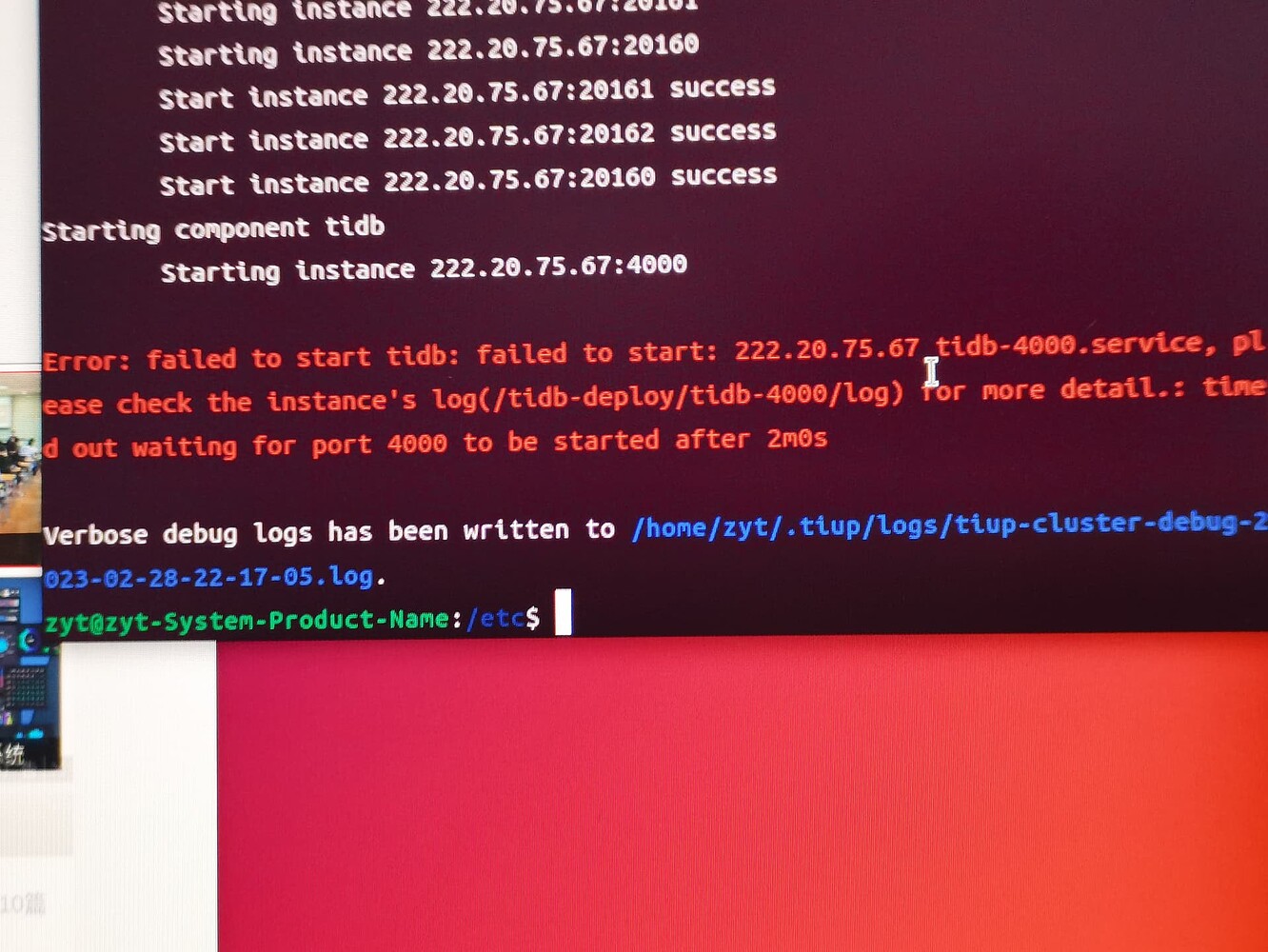
It might be because you have installed everything on the same machine, and the machine’s resources are insufficient, causing the tidb-server to take more than 2 minutes to start. You can first use tiup cluster display to check the cluster status. If there are any anomalies, you can continue by executing tiup cluster start <cluster-name> --wait-timeout 3600.
This kind of issue generally requires checking the operating system logs, specifically /var/log/message. It will show the reason for the failure. Common reasons include incorrect parameter settings or directory permission issues.
TiDB is stateless. I encountered three solutions:
 |
username:
|
username:  |
username:
|
username:  |
username:
|
username:  |
username:
|
username: